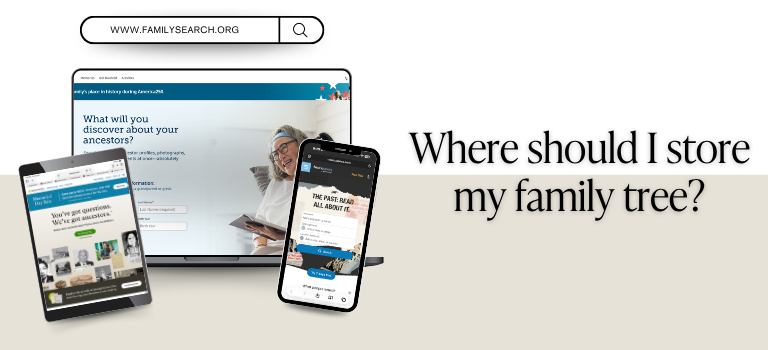
There are many websites and software options you can use to store your family tree and organize the records you discover. Here are some popular favorites to consider:
Family Search is a free, user-friendly genealogy website that allows users to build and share family trees collaboratively, making it easy to connect with relatives and combine research efforts. They provide helpful resources like guided tutorials, research tips, and access to digitized books and photos. FamilySearch is for beginners and experienced researchers alike. Another feature is that for members of The Church of Jesus Christ of Latter-Day Saints you can connect your ancestors to the temple databases to help you do ordinance work.
Ancestry is a popular platform that offers an intuitive family tree builder that allows users to create, organize, and share their genealogical information, often with automated “hint” suggestions that connect records to individuals in their tree. Ancestry.com includes DNA testing services that can reveal ethnic origins and connect users with potential relatives based on genetic matches. Ancestry provides a comprehensive and engaging way to research and understand family heritage.
MyHeritage is a site that provides a family tree builder with smart technologies like Smart Matches™ and Record Matches, which automatically suggest connections between users’ trees and historical records. In addition, MyHeritage offers DNA testing services that provide detailed ethnicity estimates and help users find biological relatives through genetic matching. The platform also includes unique features such as photo enhancement, colorization, and animation tools that bring old family photos to life.
Family Tree Maker is a powerful desktop genealogy software that includes multiple family tree-building tools, which allow users to create profiles for individuals, including photos and documents. The software also integrates with online databases like Ancestry and FamilySearch, enabling users to sync their trees and access records directly within the program. FTM offers advanced charting and reporting options and includes tools for data management, error checking, and cloud backup. FTM allows you to work offline or in combination with online resources.
These are just a few of the many options available, and many people use more than one. Each platform is continually adding new records, so using multiple sites can give you access to a wider range of information. That’s why many researchers choose to use several tools as they build their family history.
Do you use any of these, or do you have a different favorite system that works well for you?
Leave a Reply